Co-op guide
How to Fish supports 1-4 players, including solo play and online co-op. Agree on the active quest, assign the trophy carrier and regroup before boss handoffs so progress is not lost in shared chaos.
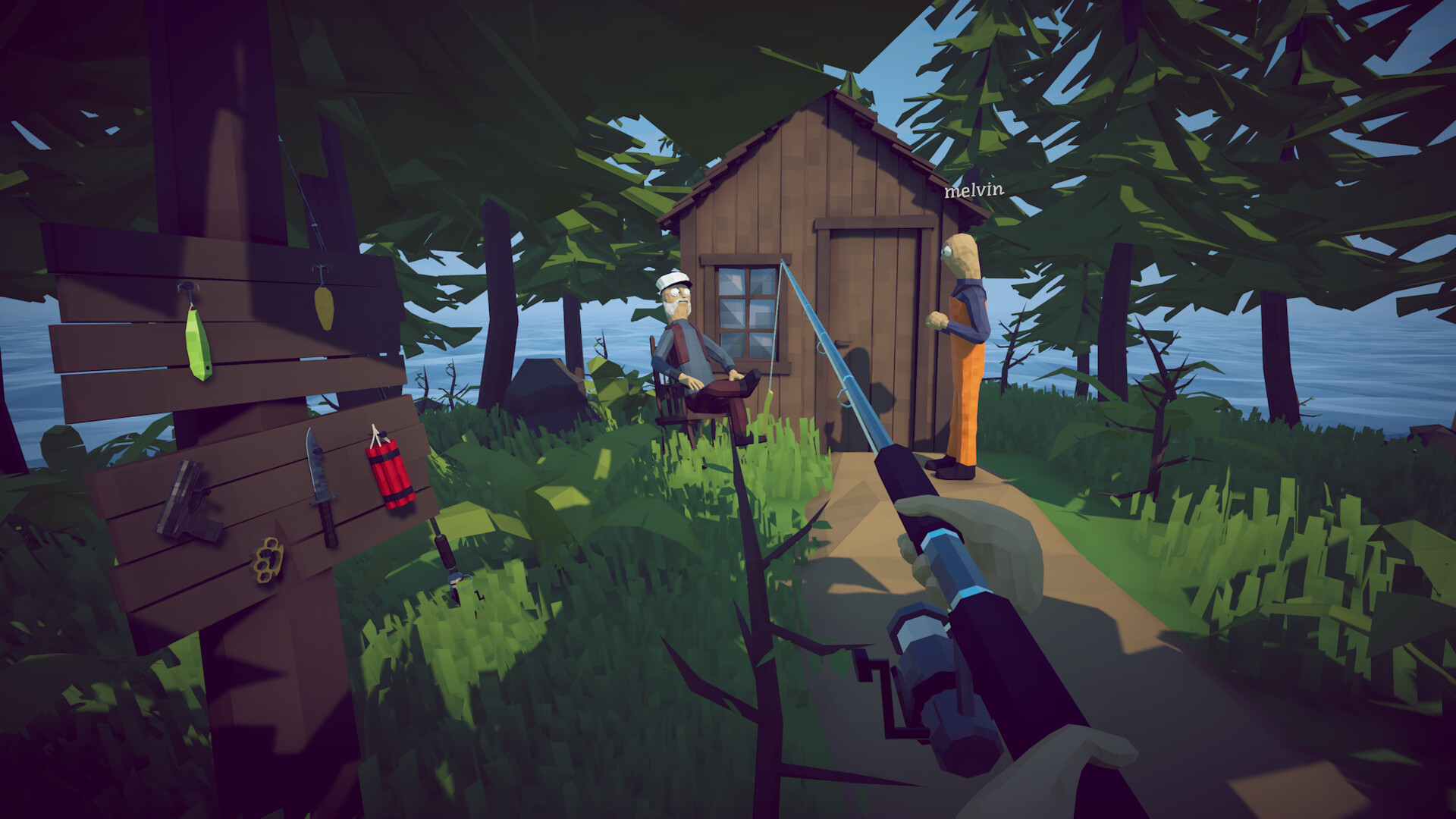
Why co-op changes the game
How to Fish is a physics-based fishing game where catching, combat, explosives, trick shots, bosses and selling all overlap. Those systems become easier to coordinate but also easier to lose track of when several players pick up different drops.
A reliable crew workflow
At the start of each island, read the active quest together. During a boss fight, assign one runner and separate shooters. After the kill, announce who picked up the unusual trophy and keep that player present for the handoff before selling anything.
Current issue reports
Launch-day reports covered joining friends, startup screens and solo boss difficulty. These vary by patch, so check the current Steam discussions.
Before the lobby starts
Agree on the active island objective, who is carrying quest items and whether the group is earning money or pushing progression. A 30-second plan prevents four players from buying four unrelated upgrades or carrying different versions of the same drop.
Jobs for a four-player crew
The most useful co-op roles are not fixed classes. Rotate them by encounter: one player controls aggro, one creates damage windows, one watches the route and one carries the handoff item. Everyone should still know how to retreat and regroup.
- Quest reader
- Aggro runner
- Damage support
- Trophy and inventory carrier
Money in co-op
Decide whether the session is funding one shared progression route or testing optional weapons. Keep enough money for the next required upgrade and communicate before gambling or spending a rare drop.
- Call out a sale before leaving the island
- Do not sell an item another player is carrying for a quest
- Use trick shots after the team has a safe fallback
Boss and handoff protocol
Before a boss, clear the route and name the player who will pick up the trophy. After the kill, regroup at the quest giver before anyone cooks, sells or throws the remaining pieces.
Troubleshooting current reports
Launch-day reports covered joining friends, startup screens and solo boss difficulty. Include platform, player count, host, quest and patch when reporting a problem.
Key facts
- Player count
- 1-4 players
- Multiplayer
- Online co-op
- Best team habit
- Name the item carrier before a boss
- Status
- Official player count; setup details can change with updates
- Best first callout
- Name the active quest
- Boss role
- Runner + shooters + trophy carrier
- Common risk
- Selling or losing the shared quest item
FAQ
Can I play How to Fish alone?
Yes. The official Steam listing supports single-player as well as online co-op.
How many players can join?
The official player count is 1-4 players.
How do co-op players avoid losing quest progress?
Assign one player to carry the boss trophy, announce the carrier and complete the handoff before anyone sells or eats the remaining drops.
Who should carry the boss trophy?
Name one player before the encounter and keep that player with the group until the quest handoff is complete.
Why did our co-op quest not advance?
Check the active quest, the carrier's inventory and whether the handoff item is a distinctive trophy rather than ordinary meat.
Where can I find co-op players?
Use the official Dazed Games Discord and Steam Community discussions linked in the Sources section.